
Take cards on iPhone with no extra hardware
Tap to Pay on iPhone turns the merchant app into a card terminal. Apple Pay, Google Pay, contactless and chip — all powered by Stripe.
What you get
- No card reader needed — Your iPhone is the terminal — no Bluetooth pairing, no rentals.
- Contactless, chip and wallets — Tap to Pay on iPhone, Apple Pay, Google Pay, Visa, Mastercard, Amex.
- Settles to your Stripe account — Funds payout to your own Stripe account on Stripe's standard schedule.
- Linked to a booking — Take payment against a specific booking with one tap.
- Standalone retail sales — Ring up walk-in sales without an appointment attached.
- Built-in reconciliation — Every transaction shows in your daily takings report.
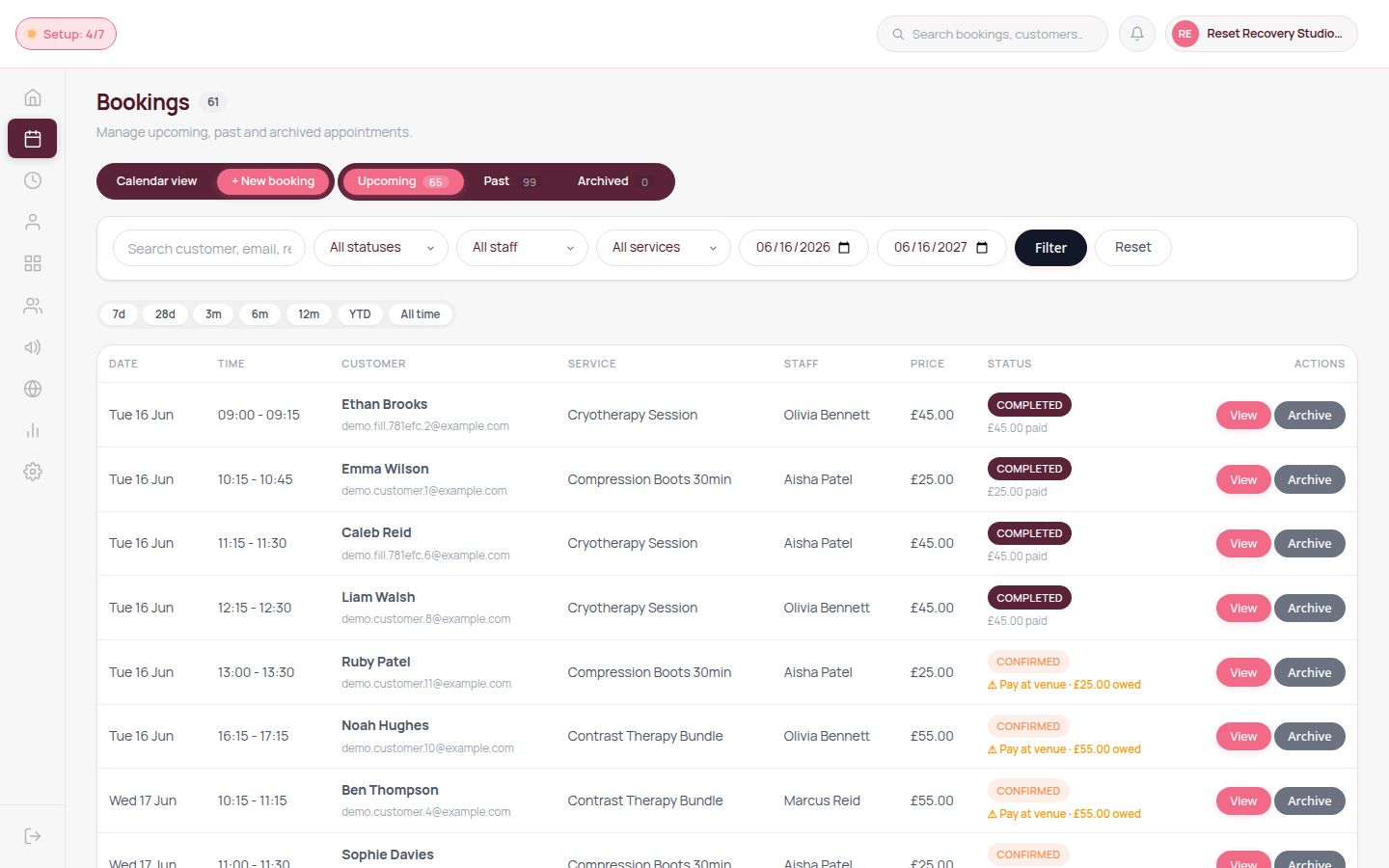
How it fits into your day
iPhone XS or later
Works on iPhone XS and newer with iOS 16.4+ — no separate device needed.
PCI-SCC certified
Tap to Pay on iPhone is certified by the PCI Security Standards Council.
Faster onboarding
Activate in minutes once your Stripe account is verified.
Common questions
No — if you have a supported iPhone (XS or newer), you can accept contactless payments today. There is no card reader or terminal to buy.
Yes — record cash payments alongside card and Tap to Pay. The dashboard reconciles all three at end-of-day.
Tap to Pay uses your existing Stripe Connect rate. The exact card-fee breakdown is shown live on the pricing page.
Ready to switch on?
Every feature is yours from day one of your free trial — no contracts, cancel any time.
Start 7-day free trial